
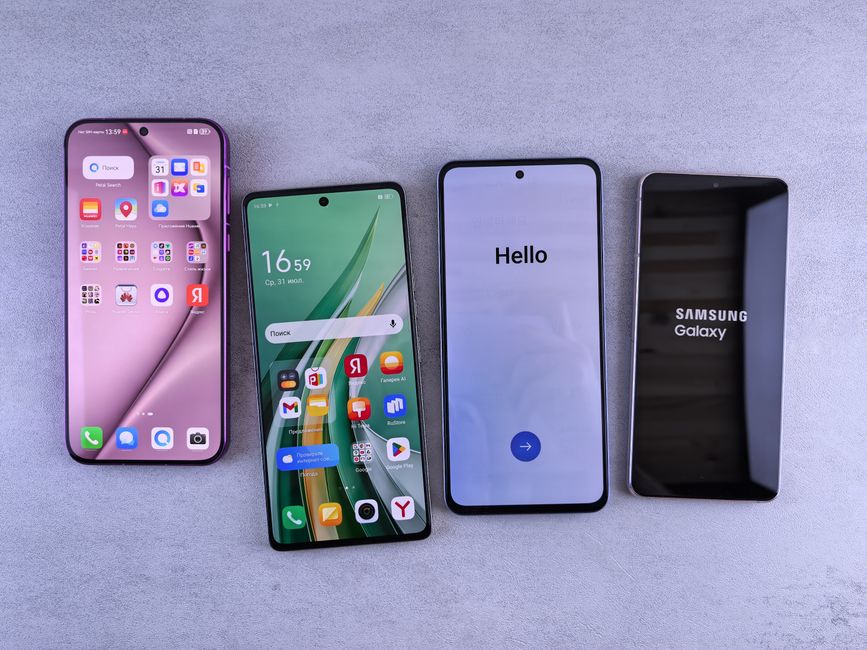
“Can I add more RAM to my Android phone?” This is a question many Indian smartphone users frequently ask, especially when their device starts feeling sluggish. The direct answer is no, you cannot physically add more RAM to an existing Android phone after purchase. Unlike a desktop computer, smartphone components like RAM are soldered directly onto the motherboard, making them impossible for an end-user to upgrade. However, the tech landscape has evolved, and manufacturers are now offering software-based solutions that aim to provide a similar benefit, often termed “Virtual RAM” or “RAM Expansion.”
This article will delve into what these new features entail, how they function, and whether they truly offer the performance boost you might be seeking. We’ll also cover practical steps to optimise your phone’s existing memory and help you decide if a software-based RAM solution is suitable for your daily usage on networks like Jio or Airtel, especially when navigating demanding apps or enjoying games like BGMI.
Understanding Physical RAM vs. Virtual RAM (RAM Expansion)
RAM, or Random Access Memory, is your phone’s short-term memory, crucial for multitasking and running applications smoothly. When you open an app, its data is loaded into RAM for quick access. More physical RAM means more apps can run simultaneously without needing to reload, leading to a snappier user experience. For instance, a phone with 8GB of RAM can handle more open apps and heavier tasks than one with 4GB of RAM.
Virtual RAM, also known by brand-specific names like OPPO’s “RAM Expansion,” Vivo’s “Extended RAM,” Realme’s “Dynamic RAM Expansion,” or Samsung’s “RAM Plus,” is a software-driven feature that allocates a portion of your phone’s internal storage (ROM) to act as temporary RAM. This concept isn’t new; it’s similar to a computer’s swap file. When your physical RAM is nearly full, the system moves less frequently used data from RAM to this designated storage area, freeing up physical RAM for active processes.
- Physical RAM: Fast, volatile memory directly accessible by the CPU.
- Virtual RAM: Slower, non-volatile internal storage repurposed as temporary RAM.
- Function: Helps prevent app crashes and reloads by offloading inactive data.
- Speed: Significantly slower than physical RAM, as internal storage (even UFS 3.1) cannot match DRAM speeds.
How Virtual RAM Works in Android Phones
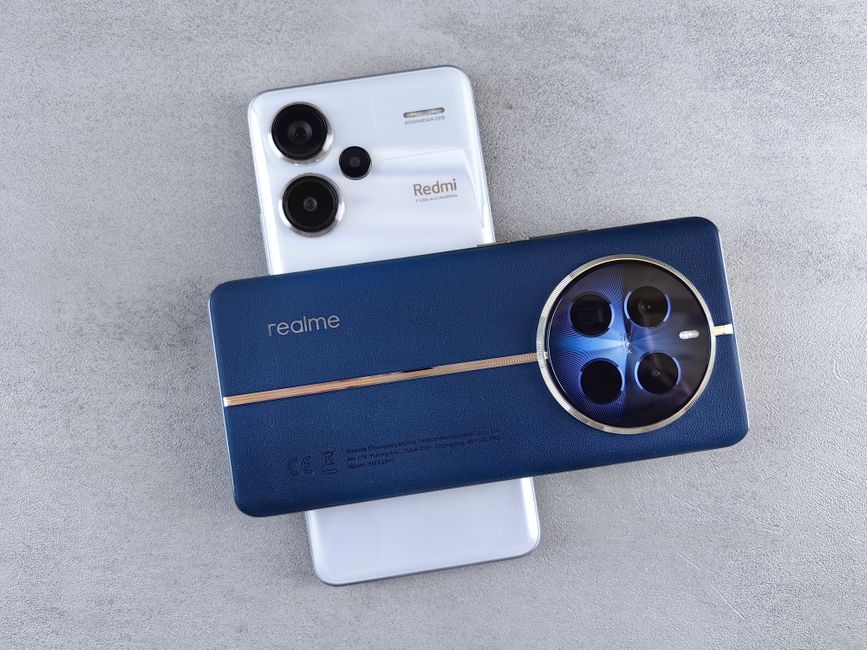
When you enable Virtual RAM on your device, the Android operating system creates a dedicated partition or file within your phone’s internal storage. This area then serves as an overflow for your physical RAM. For example, a phone with 6GB of physical RAM might allow you to expand it by 2GB, 3GB, or even 5GB, effectively showing “6GB + 5GB Extended RAM” in the settings. This feature is commonly found in budget to mid-range phones from brands like Xiaomi, Realme, and Samsung, often starting around the Rs 12,000 price point, as noted by Gadgets360.
The primary benefit of virtual RAM is to enhance multitasking. If you’re juggling multiple apps – perhaps WhatsApp, Instagram, Google Maps, and a browser – the system can move data from less-active apps into the virtual RAM area. This ensures that when you switch back to an app, it’s more likely to resume instantly rather than reloading from scratch. However, it’s crucial to understand that this isn’t a magic bullet for performance. The speed of accessing data from internal storage is considerably slower than from actual RAM. Therefore, while it can prevent app closures, it won’t speed up demanding tasks like heavy gaming or video editing, where continuous high-speed data access is paramount.
Optimising Existing RAM for Better Performance
Even without virtual RAM, or to complement its effects, you can significantly improve your phone’s performance by optimising how its existing physical RAM is utilised. This involves managing background processes and being mindful of the apps you install. For many users in tier-2 cities relying on their smartphones for everything from online payments to entertainment, efficient RAM management is key to a smooth experience.
Simple habits can make a big difference. Regularly clearing app caches prevents them from accumulating large amounts of temporary data that can hog resources. Similarly, restricting background activity for apps you don’t use frequently can free up valuable RAM. Most Android phones offer settings to review and manage apps running in the background. Moreover, choosing ‘Lite’ versions of popular apps like Facebook Lite or Google Go can drastically reduce their memory footprint, as highlighted by Android Central.
- Clear App Cache: Go to Settings > Apps > [App Name] > Storage > Clear cache.
- Restrict Background Apps: Use Android’s built-in battery optimisation or app management settings.
- Uninstall Unused Apps: Reduces storage and background processes.
- Use Lite Versions: Opt for data and RAM-efficient app versions where available.
- Restart Regularly: A simple reboot can clear temporary files and refresh RAM.
The Hardware Solution: Buying a New Phone
If your current phone consistently struggles with performance, even after optimising its RAM and utilising virtual RAM features, the most effective long-term solution is to upgrade to a newer device with more physical RAM. Modern Android phones typically offer 6GB, 8GB, or even 12GB of physical RAM, providing a substantial leap in multitasking capabilities and overall responsiveness. Devices like the Redmi Note 13 Pro (starting around Rs 24,999) or the Samsung Galaxy M34 5G (often available for Rs 15,999 on Amazon.in or Flipkart) come with generous RAM configurations that can comfortably handle BGMI, multiple social media apps, and browser tabs simultaneously.
When considering a new purchase, look beyond just the RAM number. The type of RAM (LPDDR4X vs. LPDDR5) and the speed of the internal storage (UFS 2.2 vs. UFS 3.1) also play crucial roles. Faster storage is particularly beneficial for virtual RAM, as it reduces the performance penalty. Retailers like Croma, Reliance Digital, and Vijay Sales often have sales on phones with higher RAM variants, making them more accessible. Investing in a phone with ample physical RAM from the outset ensures a smoother experience for years, mitigating issues like app reloads or slowdowns, which can be exacerbated by factors like summer heat affecting performance or voltage spikes impacting device longevity in certain Indian conditions.
When is Virtual RAM Useful?
Virtual RAM is not a replacement for physical RAM, but it serves a valuable purpose in specific scenarios, primarily for budget and mid-range devices. It’s most beneficial for users who frequently switch between many applications but aren’t typically running highly demanding processes simultaneously. For example, if you often have dozens of browser tabs open, along with messaging apps, email, and a few productivity tools, virtual RAM can help keep these apps “alive” in the background, reducing the frustration of apps constantly reloading.
This feature shines in phones with 4GB or 6GB of physical RAM, extending their usability for moderate multitasking. However, for hardcore mobile gamers or professionals who use resource-intensive applications, the benefits are less pronounced. As reported by 91mobiles, while virtual RAM can prevent minor stutters, it won’t magically transform a budget phone into a high-performance gaming rig. Its utility is in enhancing the general fluidity of day-to-day operations and making lower-RAM phones feel more capable than their physical specifications might suggest, especially for users on congested networks like Jio or Airtel where quick app switching is common.
| Feature | Physical RAM | Virtual RAM (e.g., RAM Plus) |
|---|---|---|
| Type of Memory | Dedicated hardware (DRAM) | Portion of internal storage (ROM) |
| Speed | Extremely fast (nanoseconds) | Significantly slower (milliseconds) |
| Primary Function | Active app processing, heavy tasks | Preventing app reloads, light multitasking |
| Upgradeability | Not user-upgradable | Software-enabled, user-configurable size |
| Performance Impact | Directly improves speed for all tasks | Improves app retention, less impact on raw speed |
| Ideal Use Case | Gaming, video editing, heavy multitasking | Browsing, social media, light productivity with many apps open |
Who Should Buy / Who Should Skip Phones with High Virtual RAM
Who Should Consider Phones with High Virtual RAM:
- Budget-conscious users: If your budget is limited to, say, Rs 15,000, and you want a phone that feels smoother for daily use without investing in higher physical RAM, virtual RAM offers a perceived upgrade.
- Multitaskers with light usage: Users who frequently switch between many social media apps, web browsing, and messaging but don’t run graphically intensive games or professional apps will benefit from improved app retention.
- Users upgrading from very old phones: Anyone moving from a device with 2GB or 3GB of RAM will find even a 4GB physical RAM phone with 3GB-5GB of virtual RAM to be a noticeable improvement in fluidity.
Who Should Skip (or not rely on) High Virtual RAM:
- Hardcore mobile gamers: If you play demanding titles like BGMI, Call of Duty Mobile, or Genshin Impact extensively, virtual RAM offers negligible benefit to actual gameplay performance. You need more physical RAM and a powerful processor.
- Content creators/power users: For video editing on the go, heavy photo manipulation, or running virtual machines, the slower speed of virtual RAM will be a bottleneck. Prioritise phones with 8GB or 12GB of physical LPDDR5 RAM.
- Those seeking raw speed: If your primary concern is the absolute fastest app loading times and system responsiveness, physical RAM will always outperform virtual RAM. Focus on high-end chipsets and abundant physical RAM.
Frequently Asked Questions (FAQ)
Q1: Can virtual RAM damage my phone’s storage?
While using internal storage as virtual RAM involves more read/write cycles, modern UFS storage is designed to handle this. The impact on storage longevity is generally negligible for the average user, especially as manufacturers build in safeguards. However, it’s not entirely without wear, similar to how an SSD experiences wear over time.
Q2: Is 4GB RAM + 4GB Virtual RAM better than 6GB physical RAM?
Generally, 6GB of pure physical RAM will offer a superior and more consistent performance experience than 4GB physical RAM augmented by 4GB of virtual RAM. The speed difference between physical RAM and internal storage is substantial, meaning the 2GB ‘extra’ from virtual RAM will always be slower to access and less efficient for active processes.
Q3: How do I enable or disable virtual RAM on my Android phone?
The process varies by manufacturer, but typically you can find it in your phone’s settings under “About Phone,” “Storage,” or “System.” Look for options like “RAM Expansion,” “Extended RAM,” “Memory Fusion,” or “RAM Plus.” You can usually toggle it on/off and select the amount of storage to allocate. A reboot is often required for changes to take effect.
While physically adding RAM to your Android phone remains impossible, the advent of virtual RAM offers a software-driven compromise for improved multitasking on budget-friendly devices. For truly demanding tasks, however, investing in a new smartphone with ample physical RAM remains the gold standard for sustained, high-performance computing.
For more on this topic, see our AI and tech innovation.
About the Author